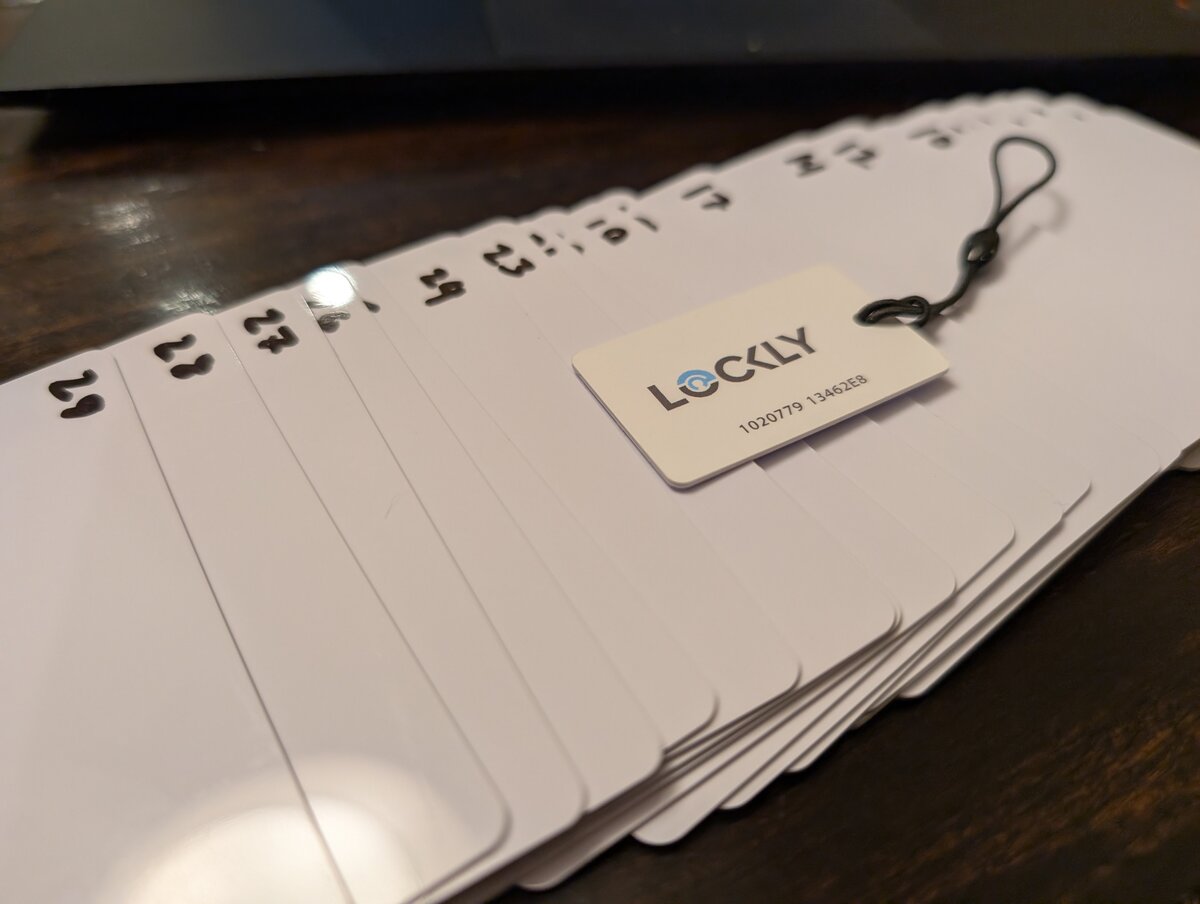
After writing up how to use generic MIFARE cards with Lockly locks, I had 30 cards sitting on my desk that needed provisioning. The manual process would have taken about 30 minutes of copying and pasting Proxmark3 commands.
Instead, I spent an hour and a half writing a script to do it in 6 minutes.
Laziness prevails.
The Problem
The manual approach works fine for one or two cards. You run hf mf autopwn to recover the key from your original Lockly card, then write that key to Sector 0 of each generic card using two hf mf wrbl commands. With copy-paste, maybe a minute per card.
But doing this 30 times means:
- Copying the same commands over and over
- Swapping cards repeatedly
- Risking typos in the sector key
- Potentially overwriting an already-provisioned card by mistake
The rational choice would have been to just do it manually. But where’s the fun in that?
The Solution
I wrote a bash script that automates the entire process. It lives at github.com/jonmash/lockly-pm3.
The script handles:
- Writing both required blocks (Sector 0 and Sector 15 trailers)
- Safety check to avoid overwriting cards with non-default keys
- Batch mode for processing multiple cards in sequence
- Clear prompts for card swaps
Usage
After extracting your key from an original Lockly card, you update one variable in the script:
| |
Then run it:
| |
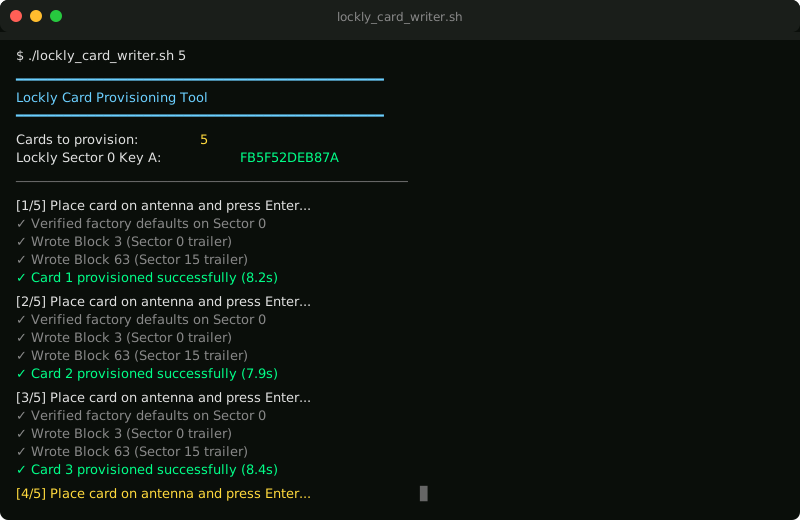
The script processes each card, prompts you to swap, and moves to the next. Takes about 8-10 seconds per card.
Total time for 30 cards: about 6 minutes.
What It Does
For each card, the script:
- Reads Sector 0 to verify it still has factory default keys
- Writes your recovered Lockly key to Block 3 (Sector 0 trailer)
- Writes the modified access bits to Block 63 (Sector 15 trailer)
- Prompts for the next card
If a card already has a non-default Sector 0 key (either a Lockly original or a previously programmed card), the script skips it and warns you. This prevents accidentally overwriting a working card.
Results
All 30 cards provisioned correctly on the first pass. Each enrolled through the Lockly Home app without issue.
For anyone provisioning more than a handful of cards, this approach is significantly faster and less error-prone than manual writes. And if you’re provisioning fewer cards, you probably should just do it manually instead of spending 90 minutes writing a script to save 24 minutes.
Script tested on: Proxmark3 Easy (Iceman firmware), Linux Mint, generic Meikuler MIFARE Classic 1K cards